Why an institute
Learn. Perform. Evolve.
Students learn by sitting the papers you assign. Instructors perform the exam. The institute evolves from the scorecards and analytics that follow.
Learn
Students sit the work you assigned
People in your classes open the tests shared with them, their class, or the institute. Answers stay saved while an attempt is open, and a time limit can submit it when the clock ends.
- A scorecard collects the tests that count toward an academic session
- After results are released, a student can open a score trend and performance insights
- Scores can wait until an instructor releases them
Perform
Instructors set and mark the paper
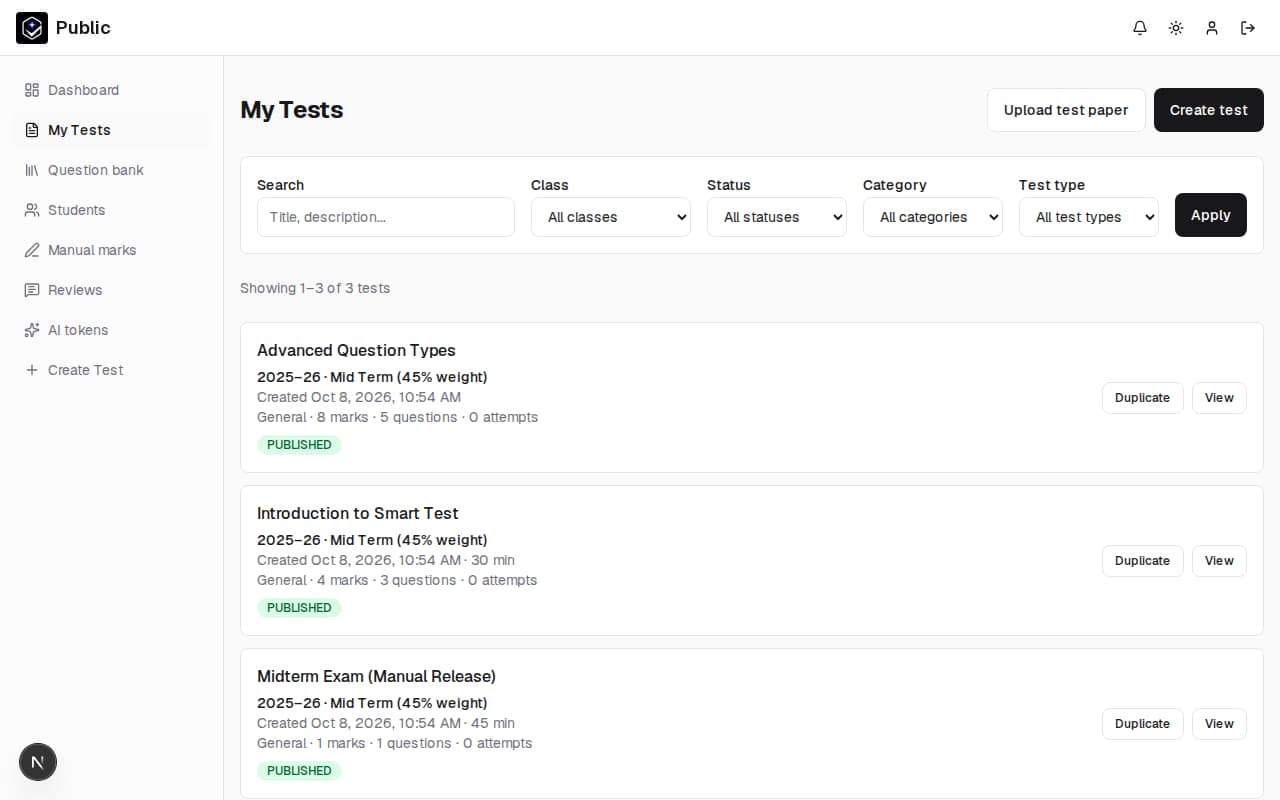
Instructors who belong to the institute write tests, reuse a personal bank or the institute bank, and share a paper with the institute, a class, or named students.
- Objective questions are graded when the student submits
- Short answers, essays, and code can receive an AI suggestion for the instructor to review
- Print the paper, or upload answer sheets and check them against the key
Evolve
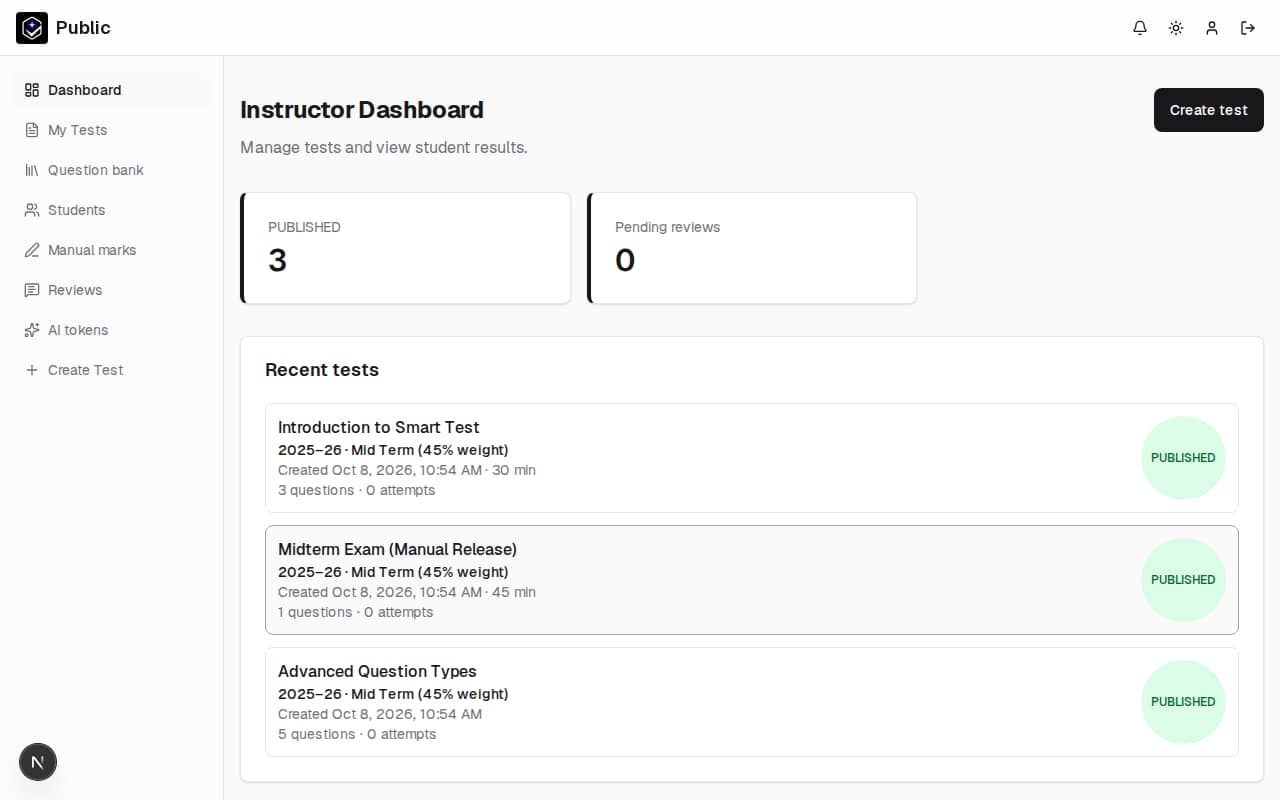
The office reads the centre
Keep classes, instructors, and students in one portal, and approve people who ask to join. Academic sessions can mix weighted parts with marks entered for work that was not sat online.
- Class and institute analytics show averages, score distribution, pass rate, and a trend
- A test's analytics page adds completion and item analysis
- An optional parent email receives the published score
Item analysis on a single test
Item analysis lists the share of marks earned on each question and how that question lines up with the rest of the test.
Parent result emails
When a student has a parent email, that address receives the student's name, the test title, and the score once the result is visible. The student signs in to open the full result.